Functions
Introduction
Config Functions are client-side programs that make it easy to operate on a repository of Kubernetes configuration files.
Use cases:
- Configuration Validation: e.g. Require all
Namespaceconfigurations to have acost-centerlabel. - Configuration Generation: e.g. Provide a package for new services by
generating a
Namespacewith organization-mandated defaults forRBAC,ResourceQuota, etc. - Configuration Transformation: e.g. Update all
PodSecurityPolicyconfigurations to improve the security posture.
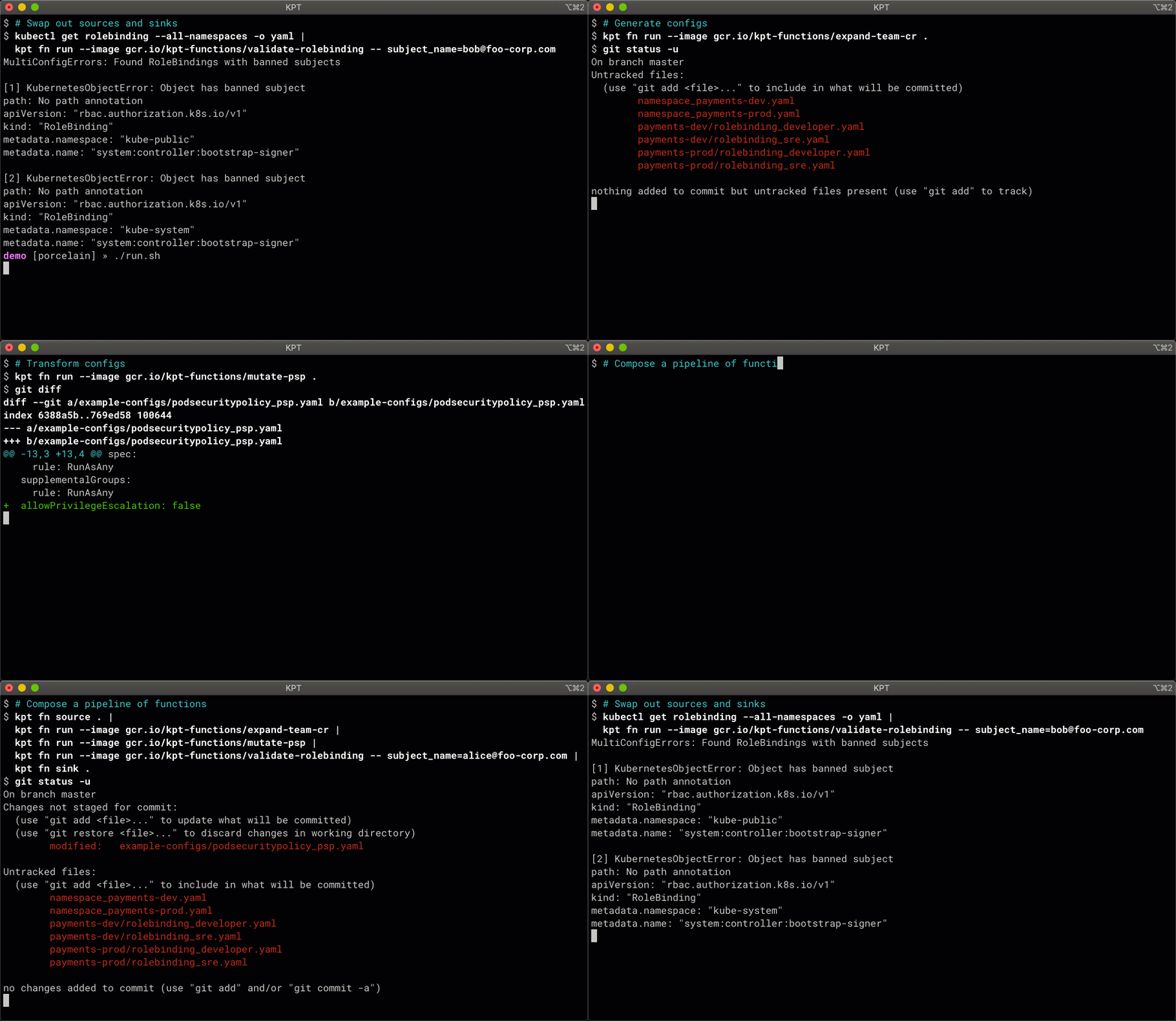
Config functions can be run locally or as part of a CI/CD pipeline.
In GitOps workflows, config functions read and write configuration files from a Git repo. Changes to the system authored by humans and mutating config functions are reviewed before being committed to the repo. Config functions can be run as pre-commit or post-commit steps to validate configurations before they are applied to a cluster.
Why Functions
We build functions using the same architecture influences as the rest of kpt, specifically:
- Configuration as data: enables us to programmatically manipulate configurations using stateless programs called functions.
- Unix philosophy: inspires us to develop a catalog of useful, interoperable functions which implement the Configuration Functions Specification.
Functions Concepts
At a high level, a function can be conceptualized like so:

FUNC: A program that performs CRUD (Create, Read, Update, Delete) operations on the input. This program can be packaged as a container, executable, or starlark script.input: A Kubernetes List type containing objects to operate on.output: A Kubernetes List type containing the resultant Kubernetes objects.functionConfig: An optional Kubernetes object used to parameterize the function’s behavior.
See Configuration Functions Specification for further details.
There are two special-case functions: source functions and sink functions.
Source Function
A Source Function takes no input:

Instead, the function typically produces the output by reading configurations
from an external system (e.g. reading files from a filesystem). Find examples in
the sources catalog.
Sink Function
A Sink Function produces no output:

Instead, the function typically writes configurations to an external system (e.g. writing files to a filesystem). Find examples in the sinks catalog.
Pipeline
In order do something useful with a function, we need to compose a pipeline with a source and a sink function.

You can also use a container-based workflow orchestrator by exporting a workflow
pipeline. Get detailed tutorials on how to use kpt fn export from the
Export a Workflow guide.
Next Steps
- Get a quickstart on writing functions from the function producer docs.
- Learn more ways of using the
kpt fncommand from the reference doc.